





226 W. Ojai Ave., Ste 101 #455
Ojai, CA 93023


Video UP-SCALING to HD
Up-scaling your video to HD is a wise option to consider when digitizing your old video tapes. Professionally up-scaled footage results in a nicer image when viewed on a large TV or computer monitor! We think you'll be surprised.
Mini-DV and Hi8 tapes are the formats that benefit most from up-scaling.
Our FilmFix up-scaling is a five-step process:
- Exposure prep – we correct (as much as possible) for overexposed whites and underexposed blacks.
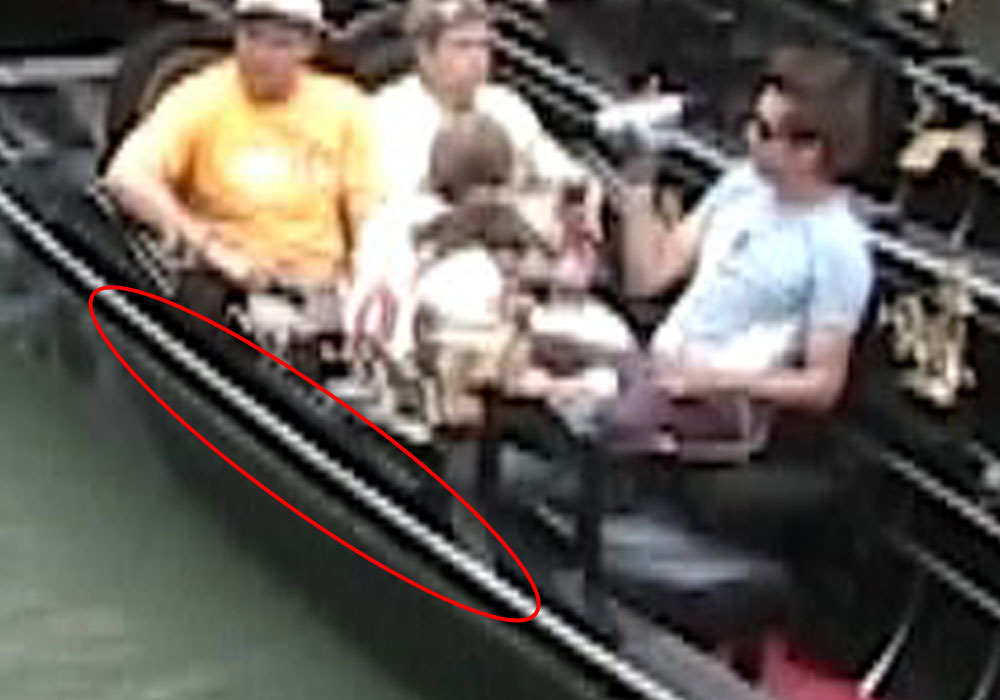
- Deinterlacing – this removes the jagged "stair-case" edges on diagonal lines.
- Up-scaling from SD to HD.
- Sharpening.
- Cropping to the final size with clean edges, and filling the sides with your choice of black or diffused side-bars.
Most companies only do step 3.
For "computer geeks": If you're comfortable using command lines in a terminal, here is how to go about doing the up-scaling yourself.
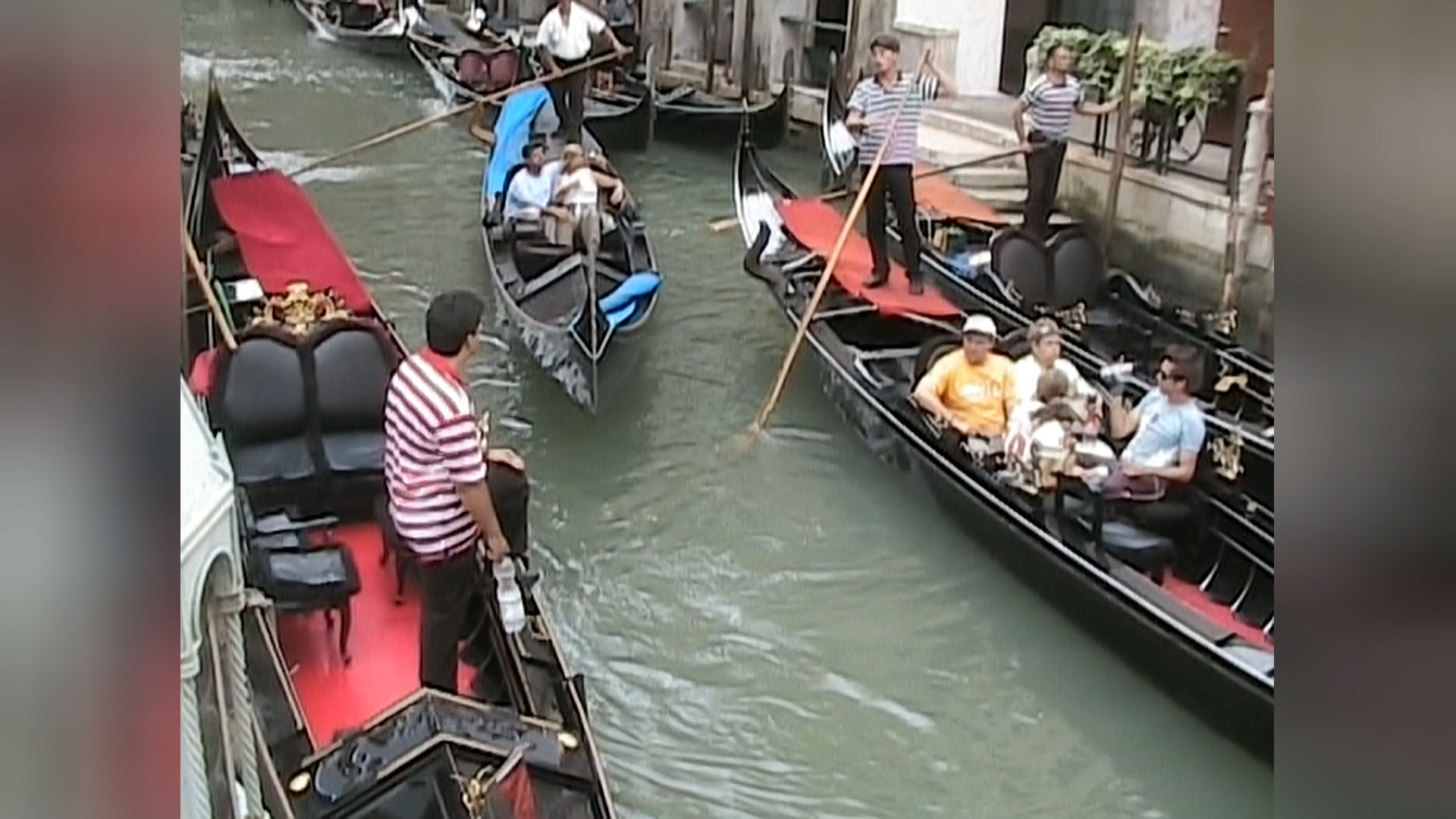

FilmFix's up-scaling - benefits and extras:
The up-scaled file is an MP4 file and can be viewed on any modern device. While a "Smart TV" has its limitations, it knows what to do with an MP4 file. To note: .avi and .mov files will not play on each and every device.
Your up-scaled image quality will be superior to your original capture in SD, when viewed on an HD monitor. Up-scaling strongly reduces the typical jagged edges on diagonal sharp lines -- which, in SD, look like jagged "stair-case" edges.
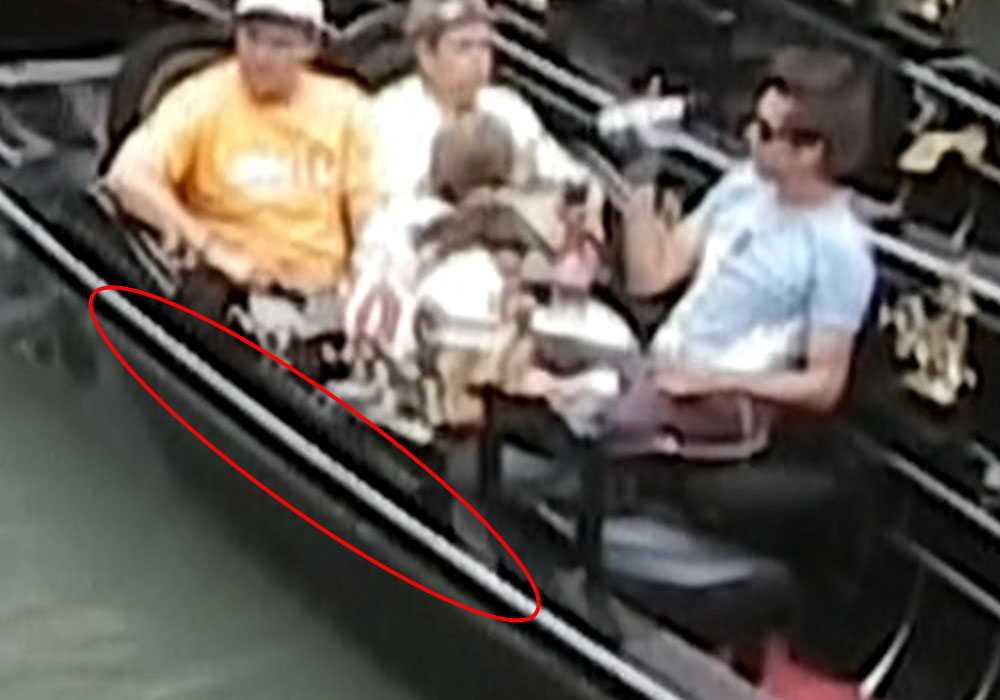
In step 1, we correct (as much as possible) for overexposed whites and underexposed blacks.

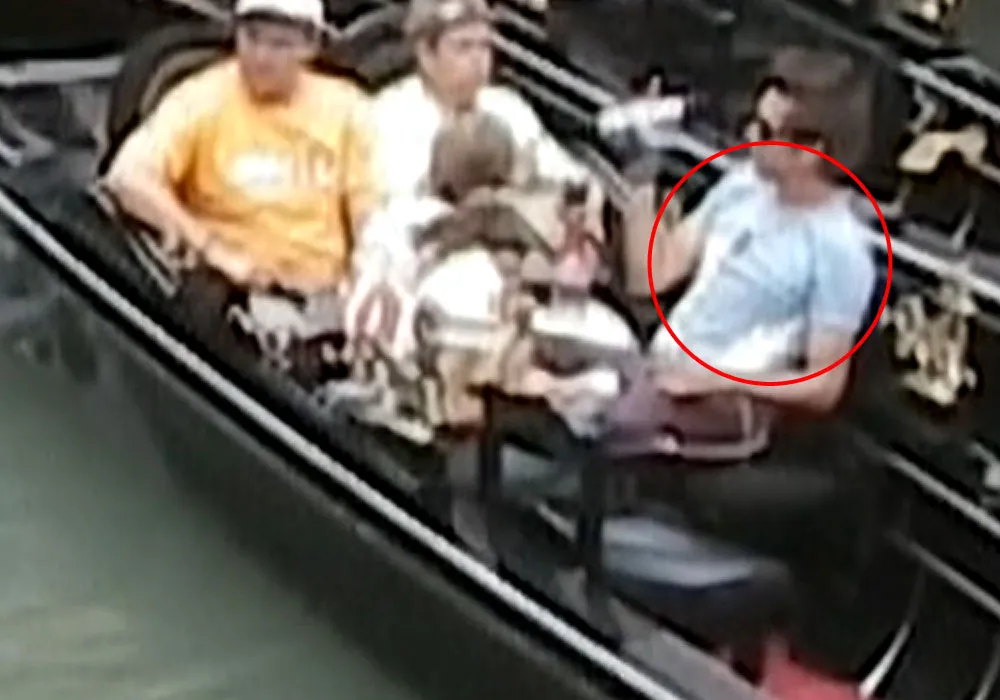
Most video tapes were shot in 4:3, so on a 16:9 screen something has to fill the sides. You choose the look when ordering; both options are shown below. Black bars are the traditional video look. Diffused side-bars, commonplace in today's videos on the Internet and on TV, are a softly blurred, enlarged copy of the picture. One thing to consider: in footage with a lot of camera movement, diffused sides can emphasize the motion, so for lively hand-held footage black bars may be the calmer choice.
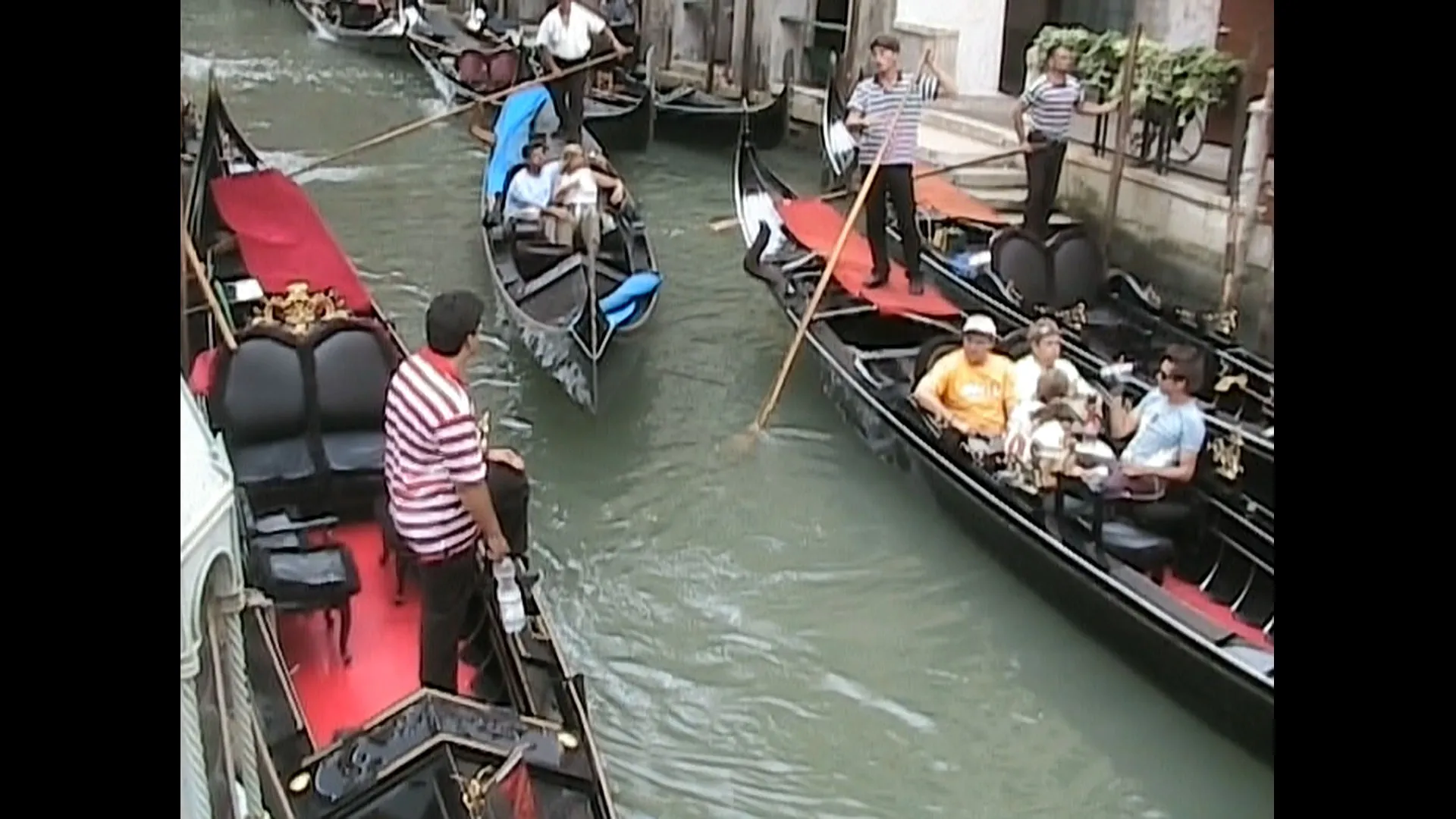
Finally, in step 5, we crop off just the messy-looking first and last couple of lines (on the top and bottom of the image) as well as a minimal amount on the left and right of the image, to present a cleaner-looking view.
NOTE: Some of the more advanced TVs offer an 'internal up-scaling' option, but the quality does not compare to ours. Ours is far superior, and not only because of the extra steps! The algorithm our computer uses is far more sophisticated and processor-intensive than the quick on-the-spot TV up-scale feature. (Sample video to follow, as soon as a particular customer gives us their approval.)